QuantUI puts PySCF behind an interactive Jupyter/Voilà UI. Run DFT, MP2, CCSD, CCSD(T), TD-DFT, NMR, geometry optimization, frequencies, and PES scans — visualize structures, orbitals, IR and UV-Vis spectra, all on your laptop with optional NVIDIA GPU offload via gpu4pyscf.
From molecule input to spectra and history replay — everything runs in your local Python kernel.
Paste XYZ, browse an indexed three-tier bundled library (presets + curated + ~1,900 QM9 structures, searchable by name/formula), or run a structure search by name, SMILES, InChI, CID, or CAS — PubChem → NCI CACTUS → an offline bundled-library fallback, so the search still works with no network.
py3Dmol-first interactive viewer with a capability-aware backend router. Molecules, optimization trajectories, vibrational modes, and orbital isosurfaces all render inline — and fully offline (3Dmol.js is vendored, never fetched from a CDN). Tunable playback FPS + on-disk cache for instant replay.
RHF, UHF, nine DFT functionals, MP2, CCSD, and CCSD(T) — with six calculation types: single point, geometry optimization, frequencies/thermochemistry, TD-DFT UV-Vis, NMR shielding, and 1D PES scans. PCM implicit solvation included.
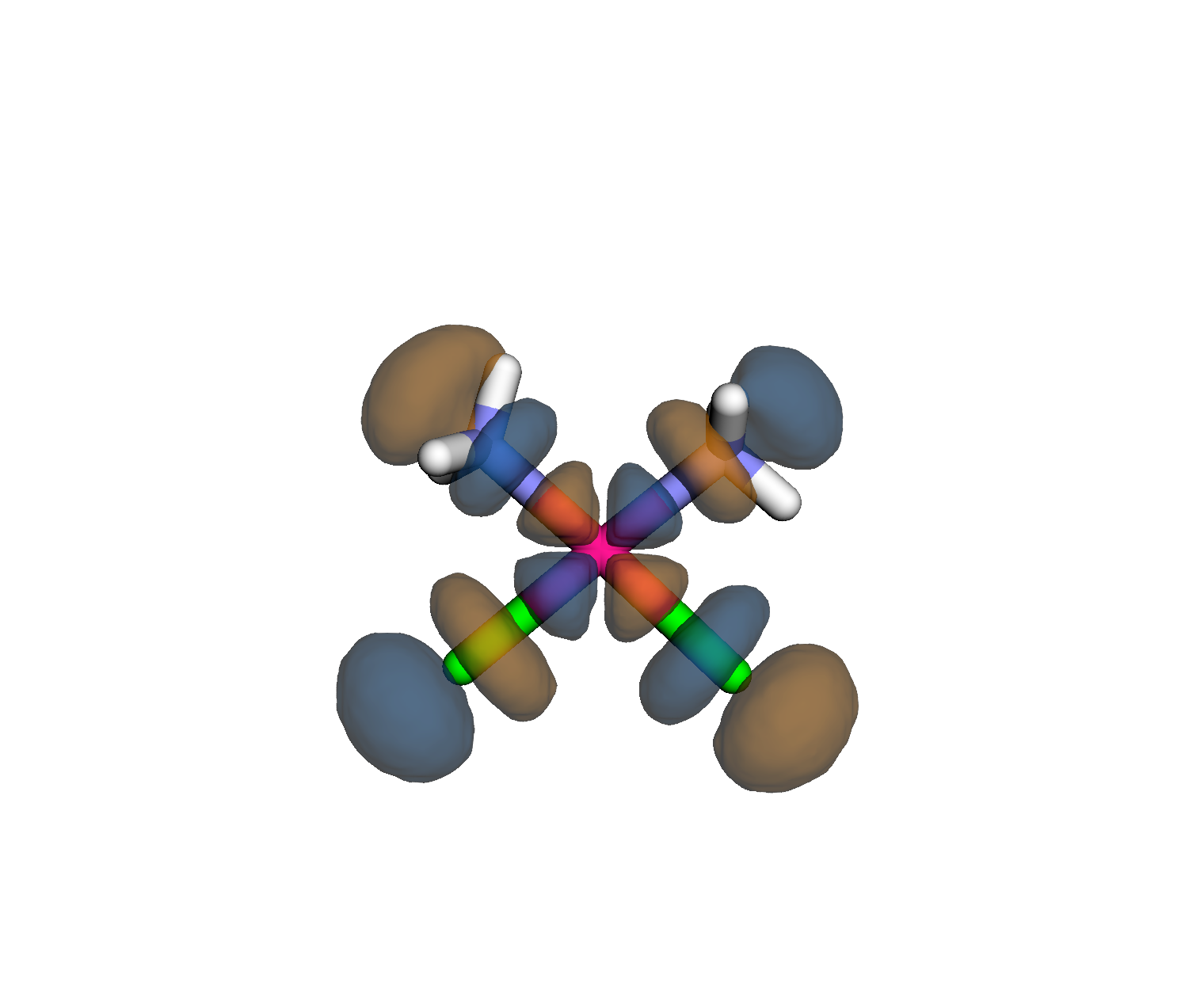
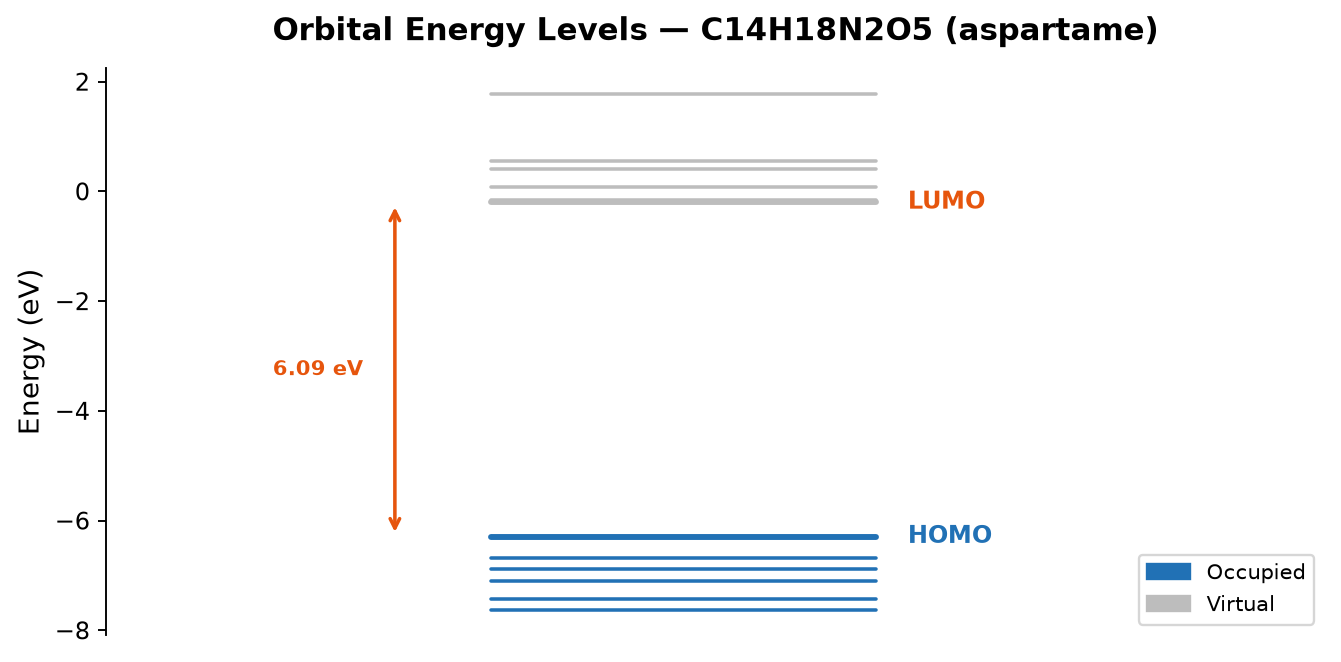
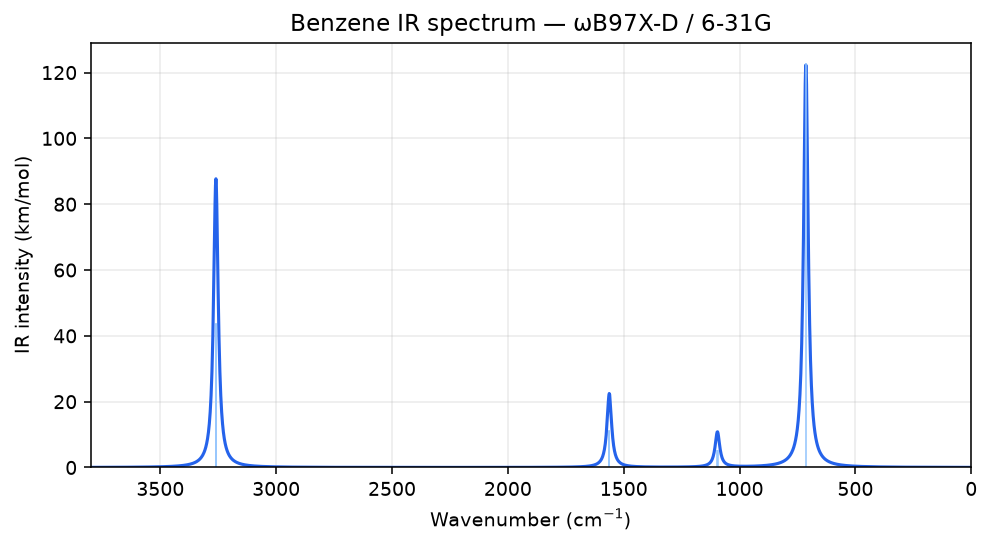
IR spectrum (stick + Lorentzian-broadened), UV-Vis plot, orbital energy-level diagram with HOMO/LUMO isosurfaces, and 1H/13C NMR chemical shifts vs TMS. Side-by-side comparison table for multiple calculations.
Every calc auto-saves to a timestamped directory and replays
after a kernel restart. Export structures (XYZ, MOL/SDF, PDB),
orbital data (Molden), trajectories (multi-frame XYZ, ASE
.traj), cube files, spectra
as HTML, full result bundles as .zip,
or any run as a standalone .py script.
Optional NVIDIA GPU offload via
gpu4pyscf
— RHF, UHF, RKS/UKS DFT, and TD-DFT auto-migrate to GPU
when available. Numerical IR-intensity SCFs also offload. Set
QUANTUI_DISABLE_GPU=1 to force
CPU; the result card always shows which device produced the numbers.
Four-tier calibration suite anchors a per-machine time-prediction model with GPU-vs-CPU partitioning, IQR outlier rejection, and variance-aware confidence labels. Pre-run estimates show in the Calculate tab; predicted-vs-actual accuracy accrues automatically in the analytics dashboard.
The quantui CLI inspects the
event log (log tail), probes
GPU availability (gpu check),
and builds a self-contained HTML analytics dashboard
(analytics build --open) with
GPU-vs-CPU speedup tables, method usage, and estimator-accuracy
tracking.
Serve the notebook as a polished widget-only UI with
voila. Light/Dark themes,
inline log viewer, and an in-app bug-report form. Equally at
home in a research group or a classroom.
PySCF runs natively on Linux and macOS. Windows users have two clear paths.
| Platform | Status | Notes |
|---|---|---|
| Linux / macOS | Full | PySCF installs natively via conda or pip |
| WSL (Windows) | Full | Ubuntu WSL environment — follows the Linux path exactly |
| Windows native | Partial | UI, structure search, and 3D visualization work; PySCF calculations require the Apptainer container |
Recommended: conda on Linux, macOS, or WSL
# Create a dedicated conda environment
conda create -n quantui python=3.11
conda activate quantui
# Install with PySCF, ASE, and Voilà app server
pip install -e ".[pyscf,ase,app]"
# Launch in JupyterLab (full IDE — shows code)
jupyter lab notebooks/molecule_computations.ipynb
# Or in Voilà app mode (widget-only UI — code hidden)
voila notebooks/molecule_computations.ipynb
Also available via pip install quantui[pyscf,ase,app]
or the Apptainer container for Windows.
Five guided notebooks — no prior PySCF experience needed. Each runs to completion in under two minutes on a laptop.
| # | Notebook | Topic |
|---|---|---|
| 01 | 01_first_calculation.ipynb |
Your first RHF calculation on water |
| 02 | 02_basis_set_study.ipynb |
Comparing STO-3G, 6-31G, and cc-pVDZ basis sets |
| 03 | 03_multiplicity_radicals.ipynb |
Open-shell molecules and UHF for radicals |
| 04 | 04_charged_species.ipynb |
Ions and charged species |
| 05 | 05_comparing_results.ipynb |
Side-by-side result analysis and comparison |
Six calculation types over fourteen methods and nine basis sets, all dispatched through a single Calculate tab.
| Calculation type | Output |
|---|---|
| Single Point | Energy, HOMO–LUMO gap, Mulliken charges, dipole moment |
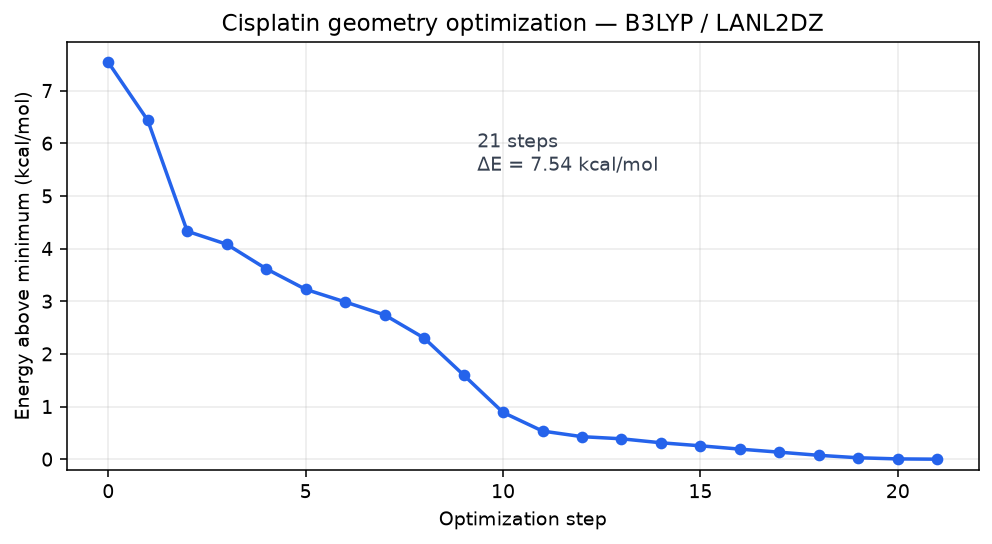
| Geometry Opt | Optimized structure with step-by-step trajectory animation |
| Frequency | Vibrational frequencies, ZPVE, IR intensities, thermochemistry (H/S/G at 298 K), animated normal modes |
| UV-Vis (TD-DFT) | Excitation energies, oscillator strengths, UV-Vis spectrum plot |
| NMR Shielding | 1H and 13C chemical shifts vs TMS via GIAO |
| PES Scan | 1D bond/angle/dihedral scan; energy profile + per-step geometries |
Fourteen methods, grouped by family:
| Family | Methods |
|---|---|
| Hartree–Fock |
RHF (closed-shell), UHF (open-shell radicals) Baseline reference; fastest path to convergence |
| DFT |
B3LYP, PBE, PBE0, M06-2X, ωB97X-D, CAM-B3LYP, M06-L, HSE06, PBE-D3 Nine functionals spanning hybrid, GGA, meta-hybrid, range-separated, and dispersion-corrected families |
| Post-HF |
MP2, CCSD, CCSD(T) Møller–Plesset (O(N⁵)) for fast post-HF; coupled cluster (O(N⁶) singles+doubles, O(N⁷) with perturbative triples) for benchmark-quality small-molecule energies |
| Implicit solvent |
PCM — Water, Ethanol, THF, DMSO, Acetonitrile Single checkbox; compatible with any method above |
Basis sets, from fast to high accuracy:
STO-3G for fast iteration → cc-pVDZ for common research → def2-TZVP for higher accuracy